COD, Remittance, and Driver Settlement
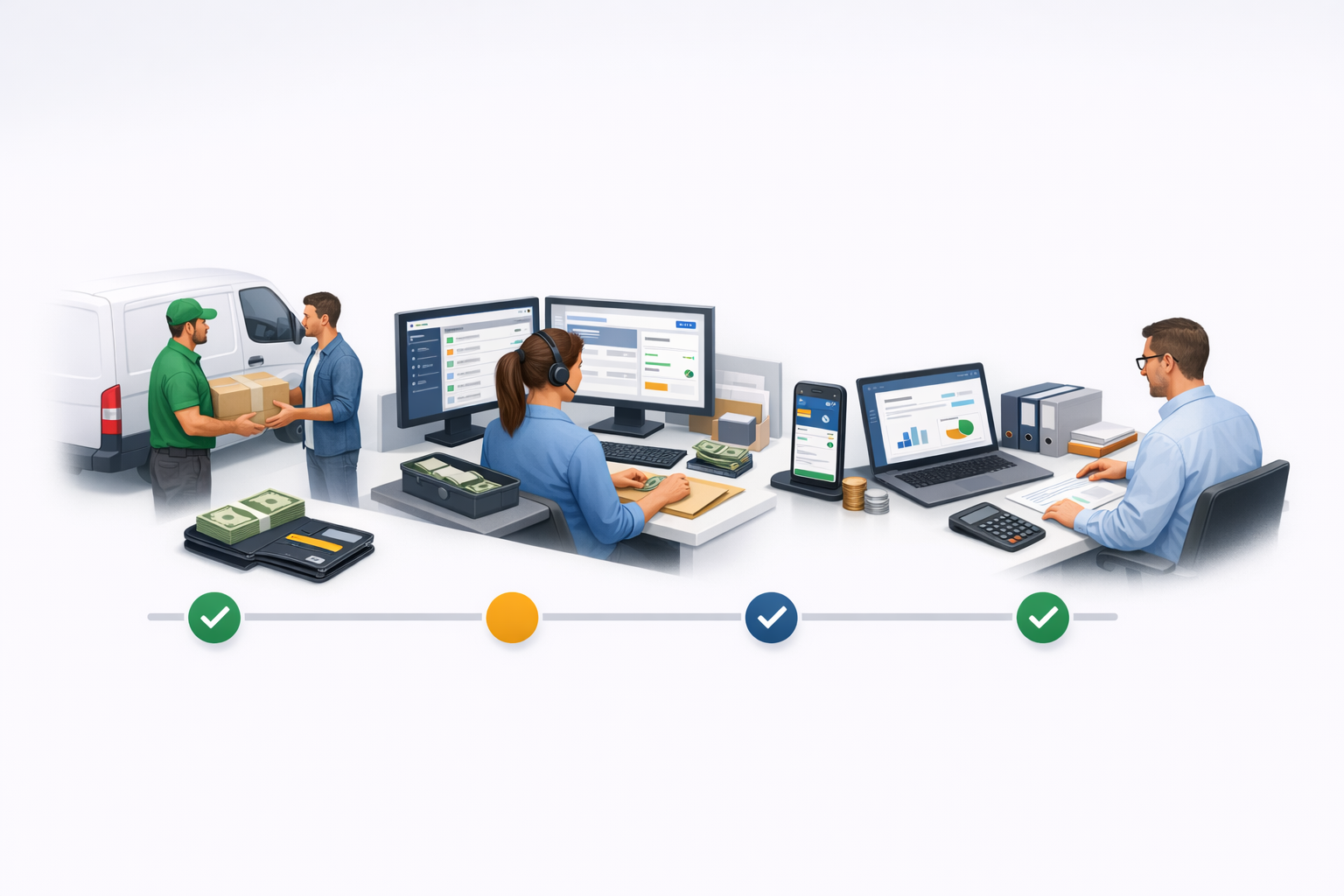
The Remit Collections area is where the delivery team controls the money collected by drivers for cash-on-delivery orders. Use this guide to understand what the system records automatically, what the dispatcher must confirm manually, and how tenant admins can review or settle driver balances.
In Ondi, COD settlement is not one single action. It is a financial lifecycle:
- A driver completes a COD delivery.
- The system creates a COD collection record with status
collected. - The driver is now holding COD cash for that delivery.
- The business clears the COD in one of two ways:
- The dispatcher records a cash remittance after receiving the cash.
- The driver or admin settles the COD from the driver wallet.
- Tenant admins review the result from driver accounting and wallet history.
Where to work
Use these areas depending on the task.
| Task | Portal area |
|---|---|
| View pending COD collections | Dispatcher -> Remit Collections |
| Record physical cash handover | Dispatcher -> Remit Collections -> Remit Selected |
| Settle a driver's COD using wallet balance | Dispatcher -> Remit Collections -> Settle by Wallet or Admin -> Drivers -> Driver Detail -> Accounting |
| Review driver financial totals | Admin -> Drivers -> Driver Detail -> Accounting |
| Review wallet ledger or create correction | Admin -> Drivers -> Driver Detail -> Wallet |
| Driver reviews COD and wallet | Driver App -> Wallet / COD Collections |
Key statuses
collected
: The COD order was completed and the driver collected cash. This is still pending settlement.
remitted
: The driver physically handed over the cash and the dispatcher recorded the remittance.
settled_by_wallet
: The system deducted the COD amount from the driver wallet. The driver can keep the physical cash because the wallet covered the amount owed.
What is automatic?
The system automatically creates a COD collection when a COD delivery is completed. It also updates COD status and wallet transactions after a dispatcher or admin confirms an action.
The system does not automatically receive physical cash, count cash, or decide when a driver should be cleared. A dispatcher or admin still needs to confirm the business event.
What is manual?
Manual work still exists in these areas:
- Cash must be physically received and counted before a dispatcher records remittance.
- Someone must click Remit Selected for cash remittance.
- Someone must click Settle by Wallet for wallet settlement.
- Admin corrections use Manual Transaction from the driver wallet tab.
- Actual outside money movement, such as cash handling or external bank payout, is not replaced by the COD collection screen.
Recommended operating rhythm
For daily operations, dispatchers should review collected COD at the end of the day or shift, filter by driver, select the collections being handed over, and record the remittance with a reference or note.
For weekly reconciliation, tenant admins should open the driver accounting tab, check the COD collected, wallet-settled amount, cash remitted amount, earnings, order costs, and final balance. If the driver wallet has enough balance and the business allows drivers to keep the cash, use Settle by Wallet.