Trips
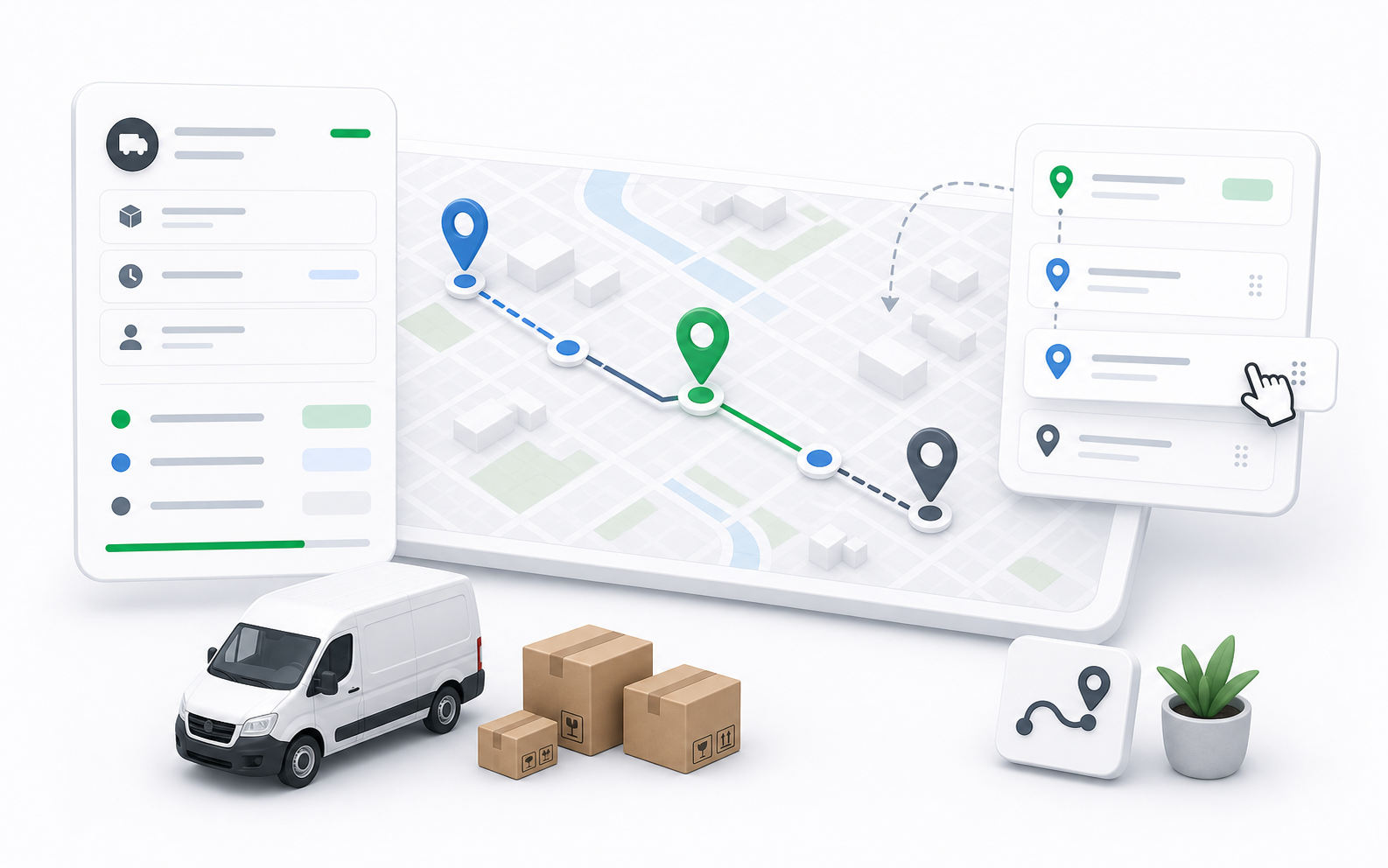
Trips are driver run sheets for multiple delivery stops. Use them when a dispatcher wants a driver to handle a planned group of orders in a specific trip context.
Trip Types
| Type | Meaning |
|---|---|
| Multi pickup | The trip focuses on multiple pickup stops. |
| Multi dropoff | The trip focuses on multiple dropoff stops. |
| Mixed | The trip combines pickup and dropoff work. |
Trip Statuses
| Status | Meaning |
|---|---|
| Planned | Trip is prepared and can still be edited or cancelled. |
| In Progress | Driver execution has started. |
| Completed | Trip work is finished. |
| Cancelled | Trip was stopped before completion. |
Trip List
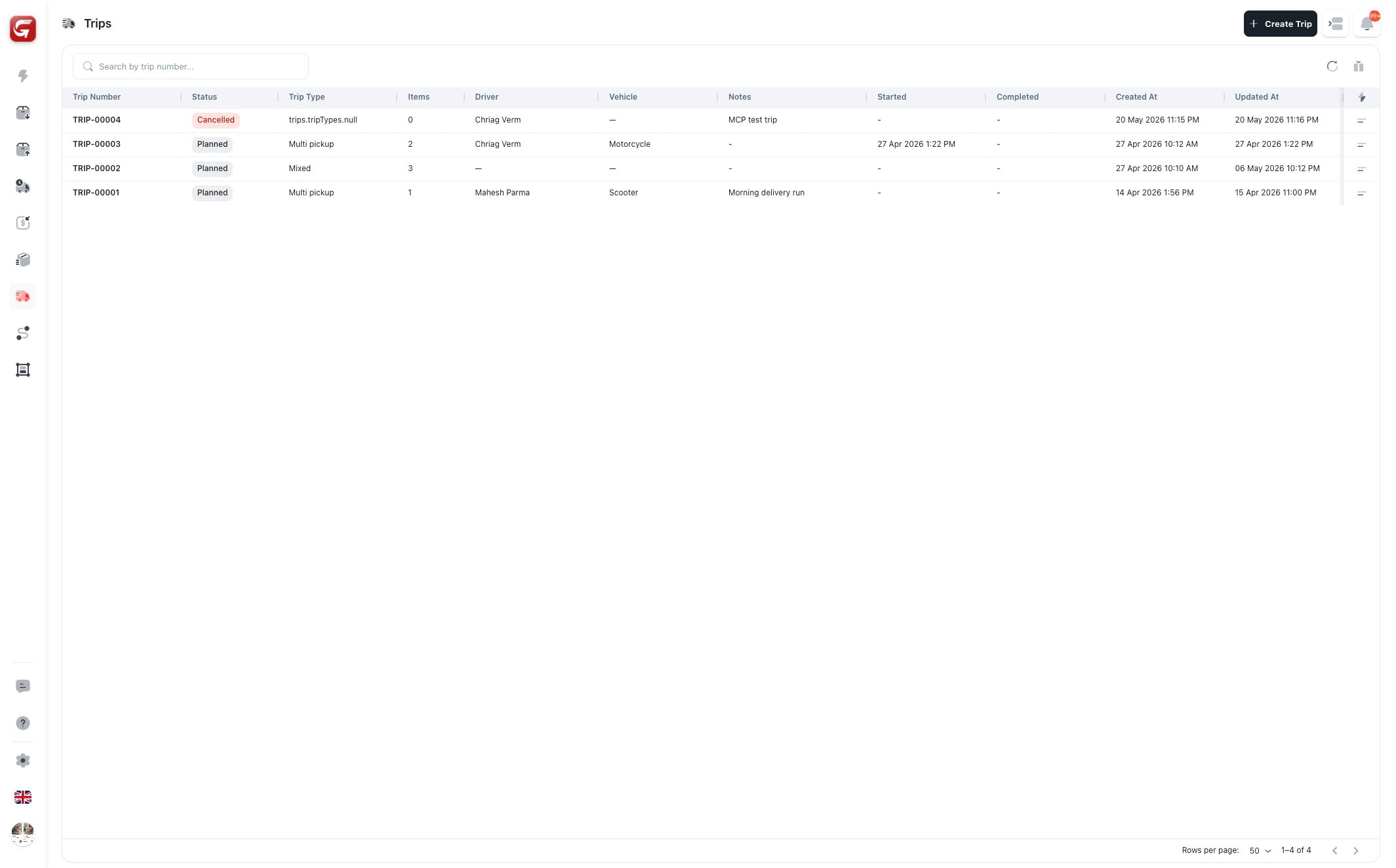
The trip list shows:
- Trip number.
- Status.
- Trip type.
- Item count.
- Driver.
- Vehicle.
- Notes.
- Started, completed, created, and updated dates.
Search by trip number. Use filters and sorting to narrow by driver, vehicle, status, type, item count, date, or notes.
Trip Detail
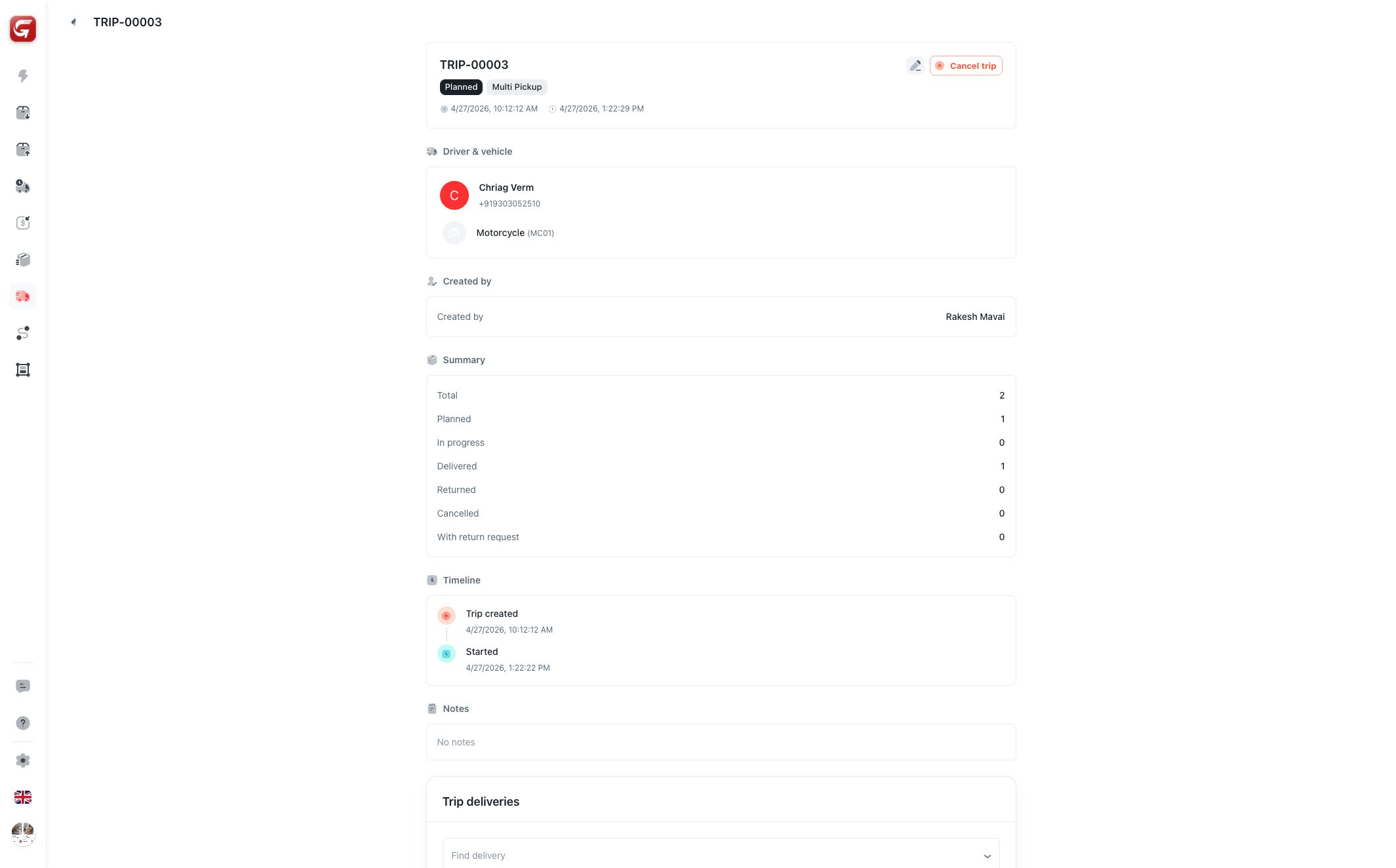
The detail page includes:
- Header with trip number, status, type, and actions.
- Driver and vehicle card.
- Created-by information.
- Summary counts.
- Timeline.
- Notes.
- Trip deliveries.
For planned trips, dispatchers can add, remove, or reorder eligible deliveries in the trip delivery section.
Creating and Editing Trips
When creating a trip, choose:
- Trip type.
- Driver, if ready.
- Notes.
- Deliveries, if the trip should start with selected orders.
Drivers must have a usable vehicle when a vehicle is required.
Editing is normally limited to planned trips. Once a trip starts, dispatchers should use status and operational controls instead of editing the trip metadata.
Use trips for one-time planned driver runs. Use Delivery Routes when the same pickup/dropoff pattern repeats over time.