Customer Preferences
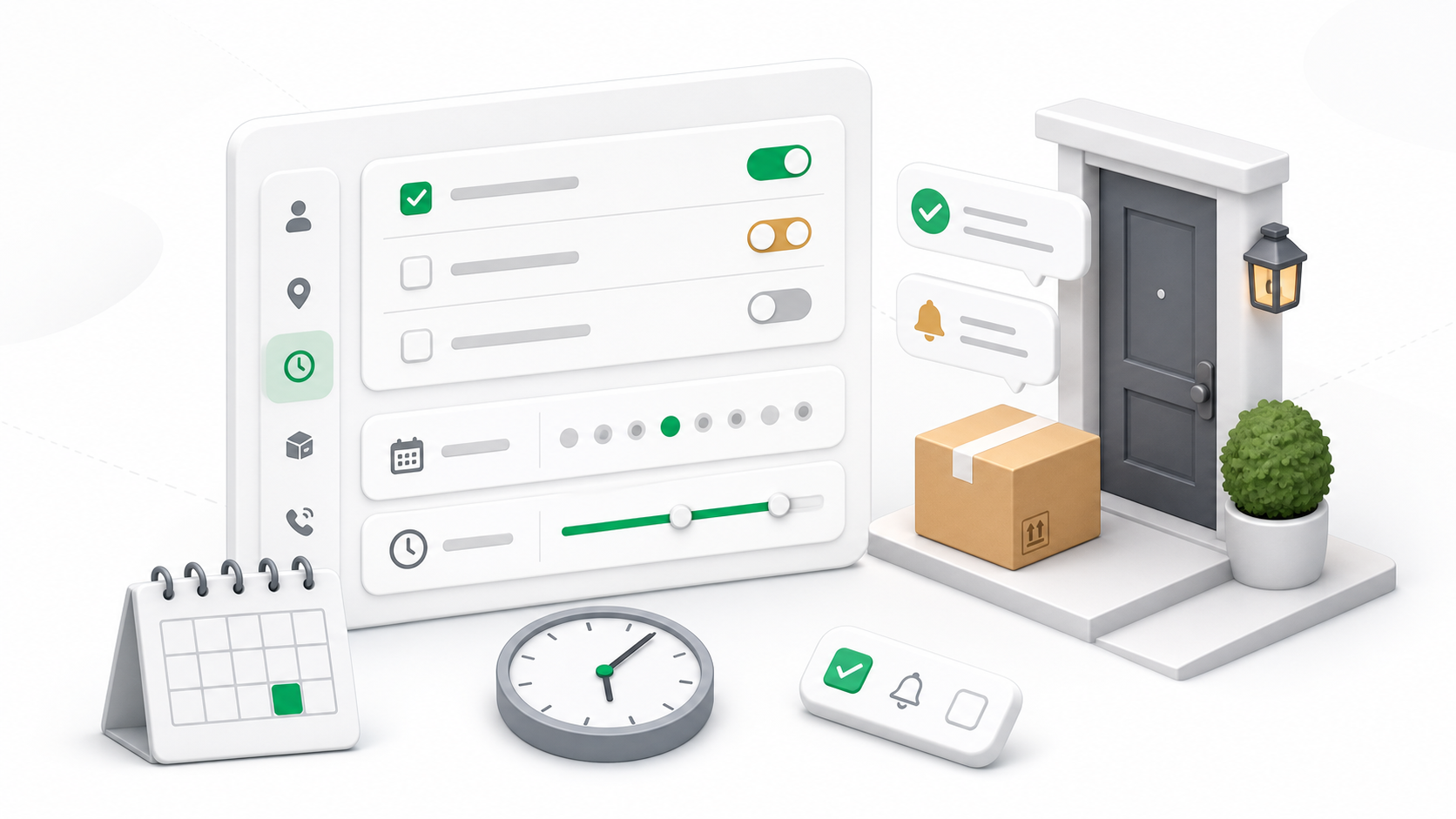
Customer Preferences store repeat delivery instructions for a customer and location. Use them when a customer has preferred delivery days, time windows, handoff rules, notification choices, or authorized receivers that should be considered when deliveries are created or handled.
Go to Delivery Management -> Customer Preferences.
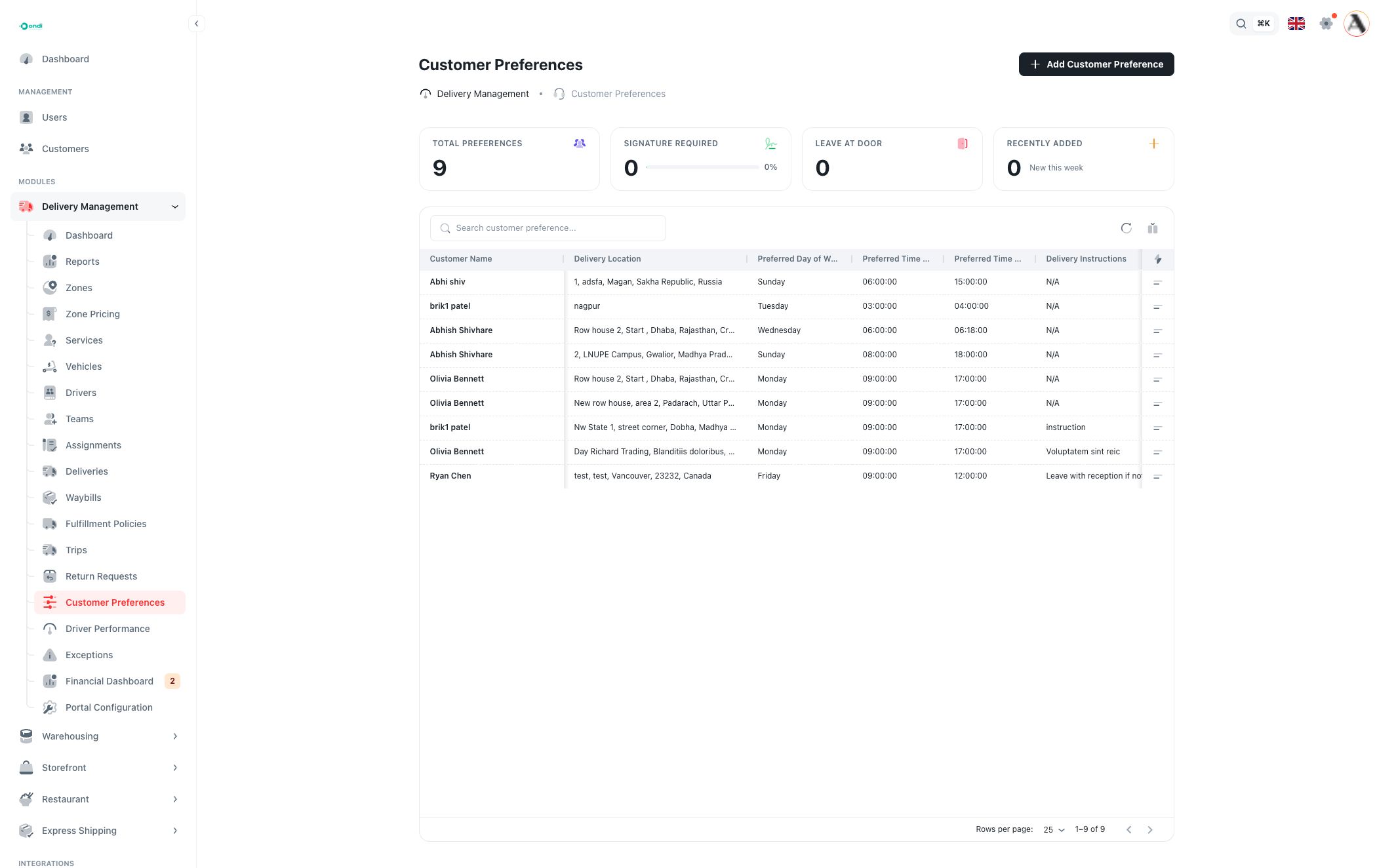
Preference list
The top cards summarize preference usage:
- Total Preferences: all saved customer preference records.
- Signature Required: preferences that require a signature.
- Leave at Door: preferences that allow doorstep delivery.
- Recently Added: preferences created recently.
The table shows:
- Customer Name: the customer linked to the preference.
- Delivery Location: the address the preference applies to.
- Preferred Day of Week: the day the customer prefers.
- Preferred Time Start / End: the preferred delivery time window.
- Delivery Instructions: customer or staff notes for delivery handling.
- Delivery Type: the handoff behavior, such as leave at door or pickup.
- Signature Required: whether a signature is required.
Search and filters help find preferences by customer, address, day, time, instruction, leave-at-door setting, or signature requirement.
Create or edit a preference
Click Add Customer Preference to create a record. Use the row action menu to edit or delete an existing preference.
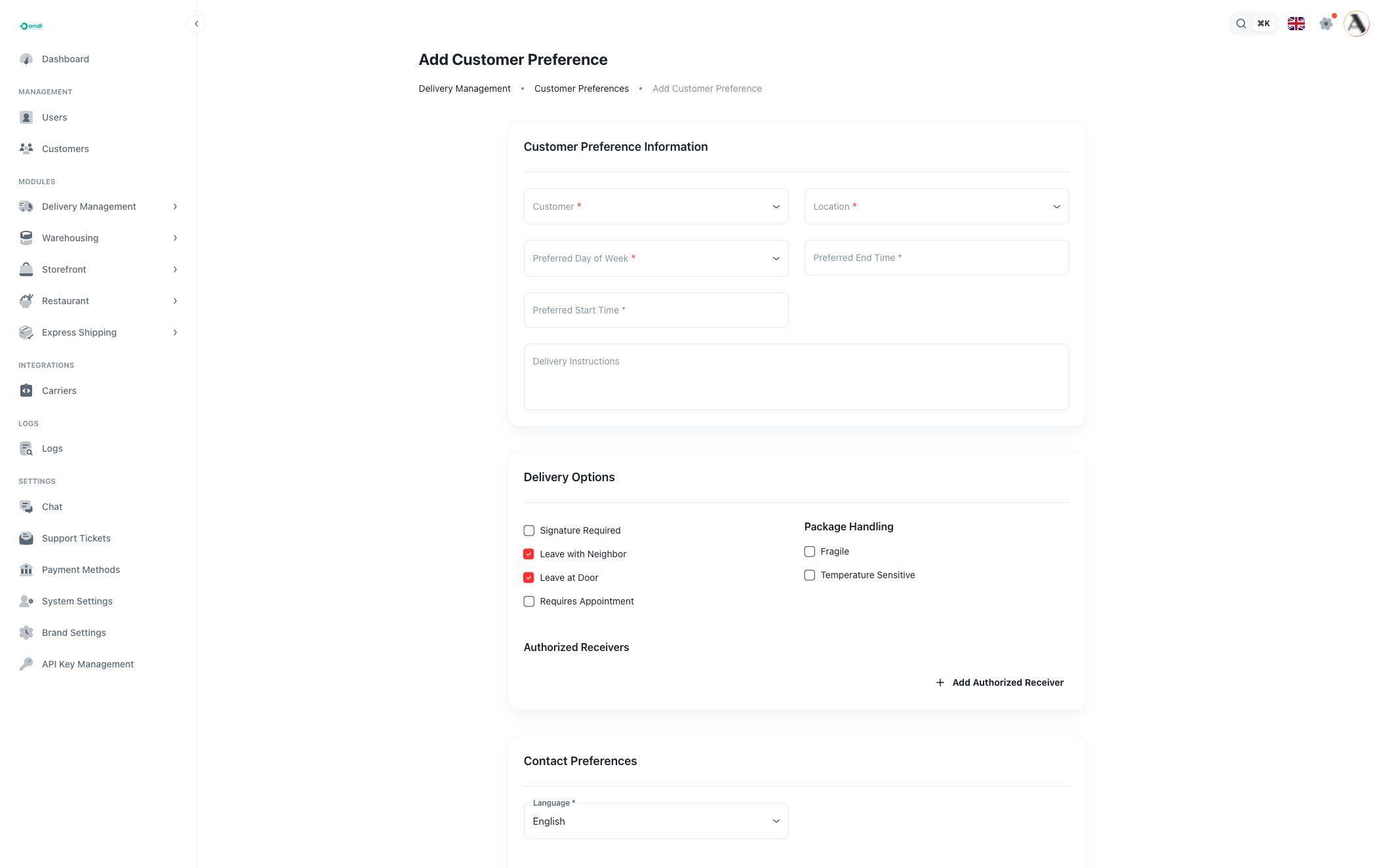
Customer preference information
Customer is required. Select the customer who owns the preference.
Location is required and depends on the selected customer. Choose the address where this preference should apply.
Preferred Day of Week is required. Choose the day the customer usually wants delivery.
Preferred Start Time and Preferred End Time are required. The end time must be later than the start time.
Delivery Instructions are optional but useful for access codes, reception rules, safe-place instructions, or other handoff notes.
Delivery options
Delivery options define how the package should be handed off:
- Signature Required means the driver or staff member should collect a signature.
- Leave with Neighbor allows handoff to a neighbor when the customer is unavailable.
- Leave at Door allows doorstep delivery.
- Requires Appointment means the delivery should be coordinated before arrival.
Package handling options:
- Fragile marks packages that need careful handling.
- Temperature Sensitive marks packages that should not be exposed to unsuitable temperature conditions.
Use Authorized Receivers to add people who can receive packages for the customer. Each receiver needs a name, relationship, and contact value.
Contact preferences
Contact preferences control how the customer wants to be notified:
- Language sets the preferred language for communication.
- Notification Methods define SMS, email, or phone contacts and whether each method is enabled.
- Notification Events choose when messages should be sent, such as dispatch, day before, day of, hour before, arrival, or completion.
These settings help staff understand customer communication expectations. Actual message delivery also depends on the tenant's notification setup.
Basic and notification sections
The form also includes a basic profile area:
- Name is required and helps identify the preference.
- Description is optional internal context.
- Active controls whether the preference should be used.
The notification switches for Email, SMS, and Push store simple channel preferences for the customer.
Delete a preference
Deleting a preference removes it after confirmation. Use delete only when the preference is no longer valid or was created by mistake. If the customer changed their instructions, editing is usually better because it preserves the intended customer record.
Good practices
Create one preference per customer and location when customers have different rules for home, office, warehouse, or branch addresses.
Keep time windows realistic. A very narrow window may be difficult for dispatch teams to satisfy.
Review authorized receivers and notification methods when customers change staff, phone numbers, email addresses, or access rules.