On-Demand Orders
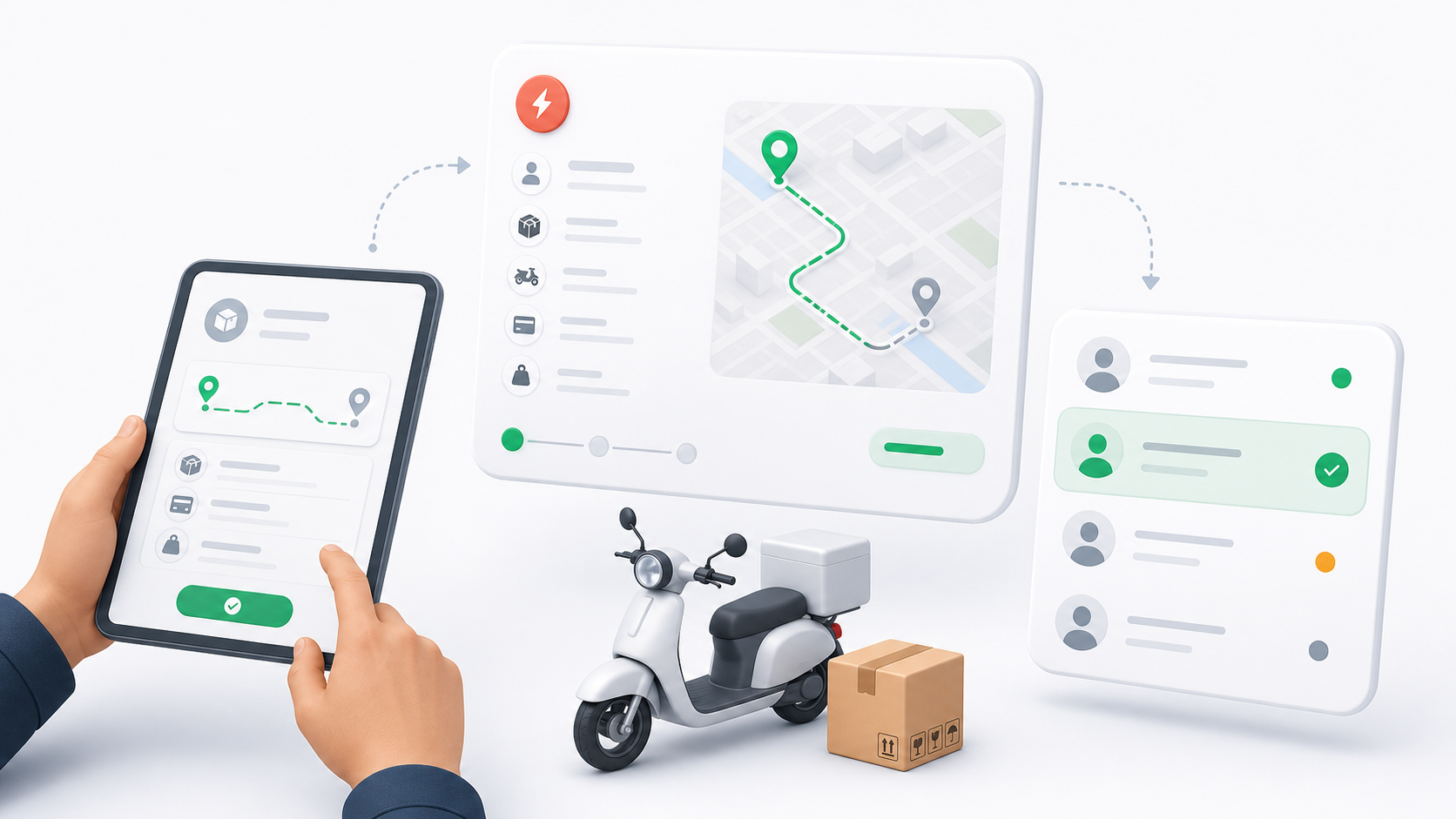
On-demand orders are immediate delivery requests. Dispatchers use them when a customer or business needs a package moved now, without building a route, trip, or waybill first.
An on-demand order normally has one pickup point and one dropoff point. The pickup and dropoff can be addresses or warehouses, depending on the operation.
When To Use On-Demand
Use an on-demand order when:
- The delivery is urgent or same-day.
- The order can be handled as an individual job.
- The dispatcher wants to assign the best available driver manually.
- The order does not need to be grouped into a waybill, trip, or route session first.
If several orders are going to the same route or driver run, consider a Trip, Route, or Bulk Operation instead of creating unrelated on-demand work.
What Dispatchers See
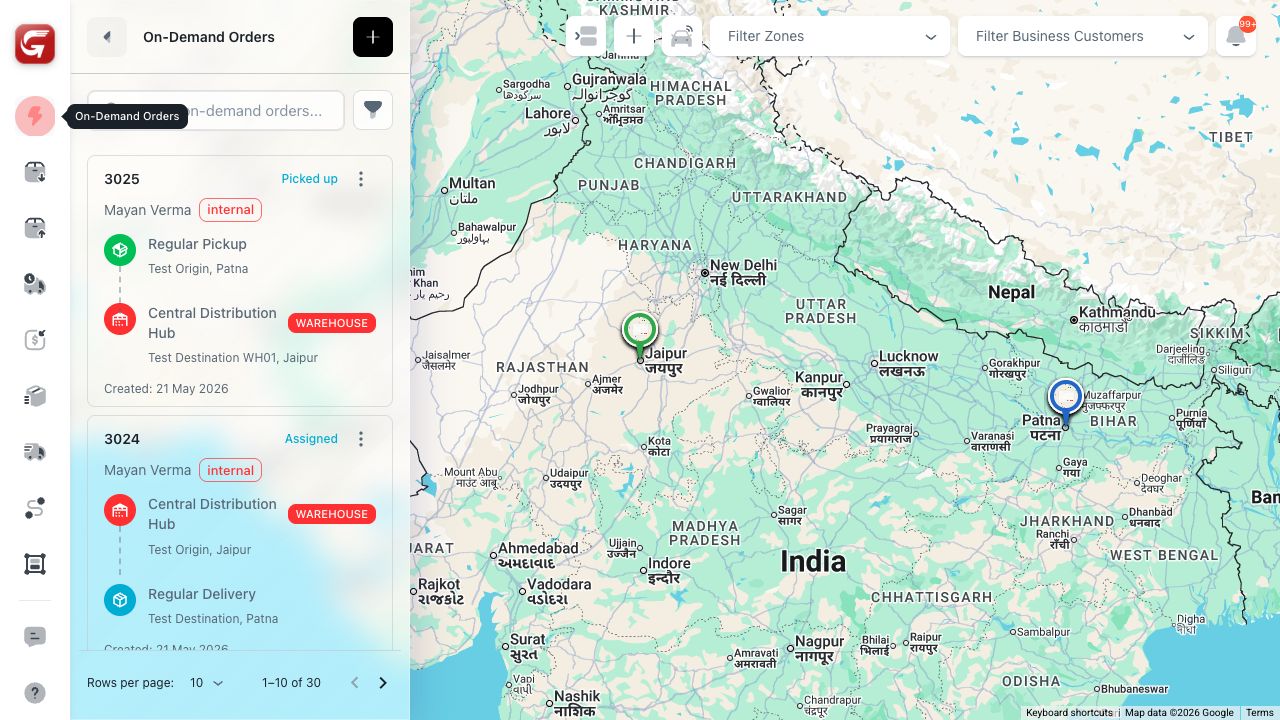
On-demand orders appear in both Map View and Table View.
In Map View, the order card shows the customer, carrier type, delivery status, pickup point, dropoff point, warehouse indicator when relevant, creation date, and available row actions.
In Table View, dispatchers can scan on-demand orders by code, customer, driver, barcode, status, assignment, carrier, zones, payment, payer, pay method, COD, service, shipment, tracking, and dates.
Main Actions
| Action | What it does |
|---|---|
| Create Order | Opens the on-demand order form. |
| View | Opens the detail screen or detail modal. |
| Edit | Updates order fields while the order is still editable. |
| Assign Driver | Assigns an eligible internal driver to an unassigned order. |
| Switch Driver | Moves the assignment from one driver to another when allowed. |
| Unassign | Removes the current driver when assignment changes are allowed. |
| Change Status | Updates the delivery status with required notes, reason, or driver fields when needed. |
| Cancel | Cancels an order that is not already delivered or cancelled. |
| Events | Opens the order event history. |
| Chat | Opens or creates an order-linked conversation. |
Some actions are hidden or disabled when the order status no longer allows changes. Delivered and cancelled orders are usually read-only for core delivery changes.
Assignment Behavior
On-demand orders can be created without a driver. This is useful when the dispatcher needs to review driver availability, zones, vehicle suitability, or workload before assigning.
Driver assignment is available for eligible internal orders. If a driver does not match the order zone, has no vehicle, or is not active/available, the system may block or warn before assignment.
Status Behavior
On-demand orders move through the standard delivery lifecycle:
| Status | Meaning |
|---|---|
| Pending | The order exists but is not actively handled by a driver. |
| Assigned | A driver has been assigned, but pickup has not been completed. |
| Picked Up | The driver has collected the package. |
| In Transit | The package is on the way to the dropoff. |
| Delivered | Delivery is completed. |
| Cancelled | Delivery has been cancelled. |
| Returned | Delivery work has been returned to sender or marked as returned. |