Delivery Orders
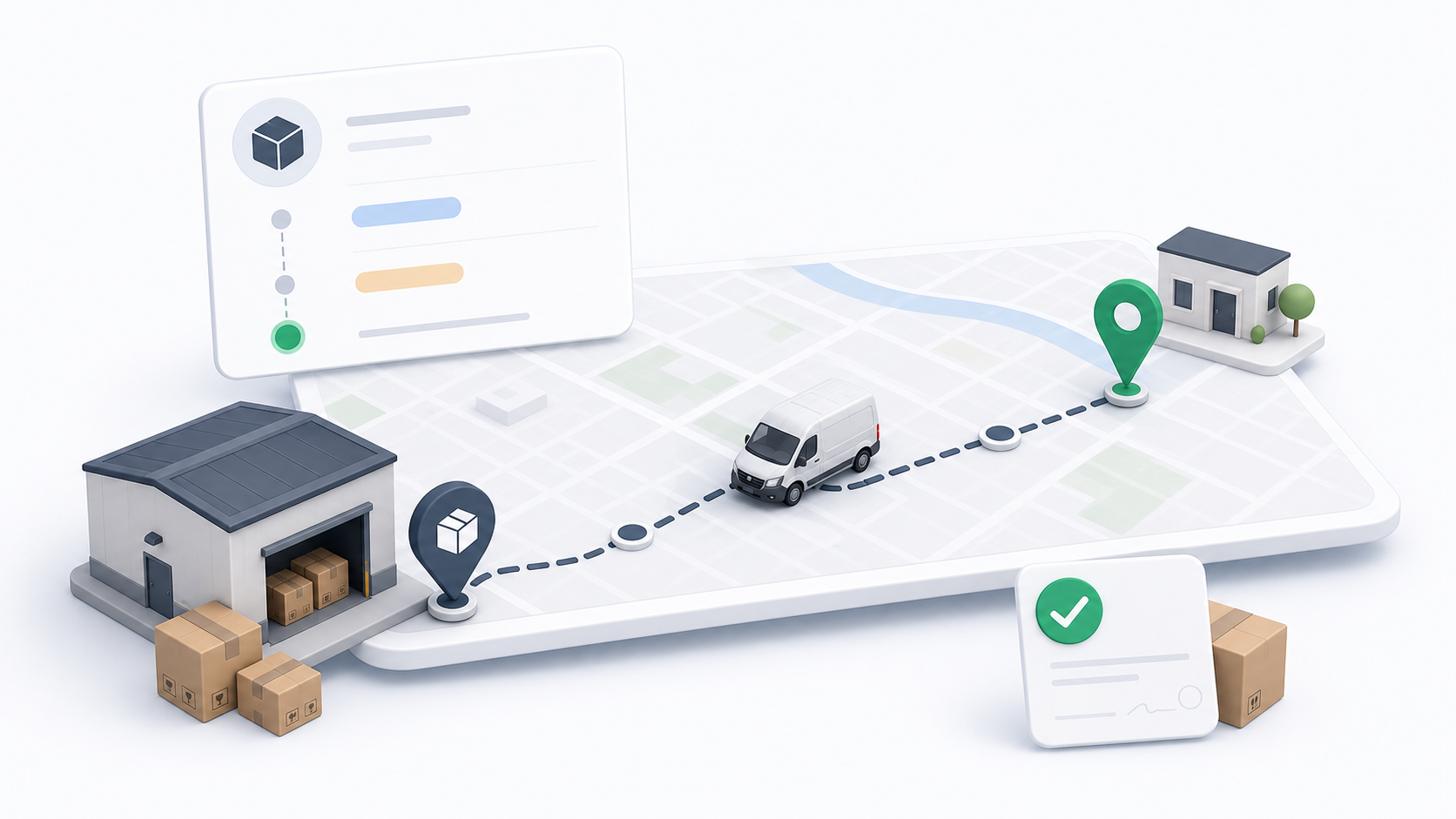
Delivery orders are used for final delivery work. They move packages from a sender, warehouse, hub, or business location to the receiver's destination.
Dispatchers use delivery orders when the main operational task is getting the package to the recipient.
When To Use Delivery Orders
Use a delivery order when:
- The package is ready for final delivery.
- A warehouse or hub is the pickup point.
- A business customer needs last-mile fulfillment.
- The order should be assigned directly to a driver.
- The delivery should appear in driver assignments, route work, trips, or bulk dispatch controls.
Key Fields
Delivery orders depend on accurate operational fields:
| Field | Why it matters |
|---|---|
| Customer | Links billing, addresses, support, and reporting. |
| Delivery service | Controls service expectations and pricing behavior. |
| Pickup address or warehouse | Tells the driver where to collect the package. |
| Delivery address or warehouse | Tells the driver where the package must arrive. |
| Payer type | Determines whether sender or receiver is responsible for payment. |
| Payment method | Controls wallet, cash/COD, and payment handling. |
| COD amount | Shows driver cash collection responsibility when cash/COD applies. |
| Unit size | Supports capacity and package handling decisions. |
| Package details | Helps the driver and operations team understand what is being moved. |
Dispatching Delivery Orders
Delivery orders can be dispatched one by one or in bulk.
Use single-order assignment when the dispatcher needs to review the map, driver workload, or the order details first. Use bulk assignment or route assignment when many eligible orders should go to the same driver or route.
For delivery orders with the same route pattern, use Delivery Routes. For a one-time driver run with multiple stops, use Trips.
Payment and COD
Delivery orders may include payment responsibility and COD collection.
- Wallet means the transaction is handled through wallet balance or digital settlement.
- Cash/COD means the driver may collect cash from the configured payer.
- Payer shows whether sender or receiver is responsible.
- COD amount shows the amount that may need to be collected.
For cash remittance and driver wallet settlement, use the Remit Collections guide.