Chat
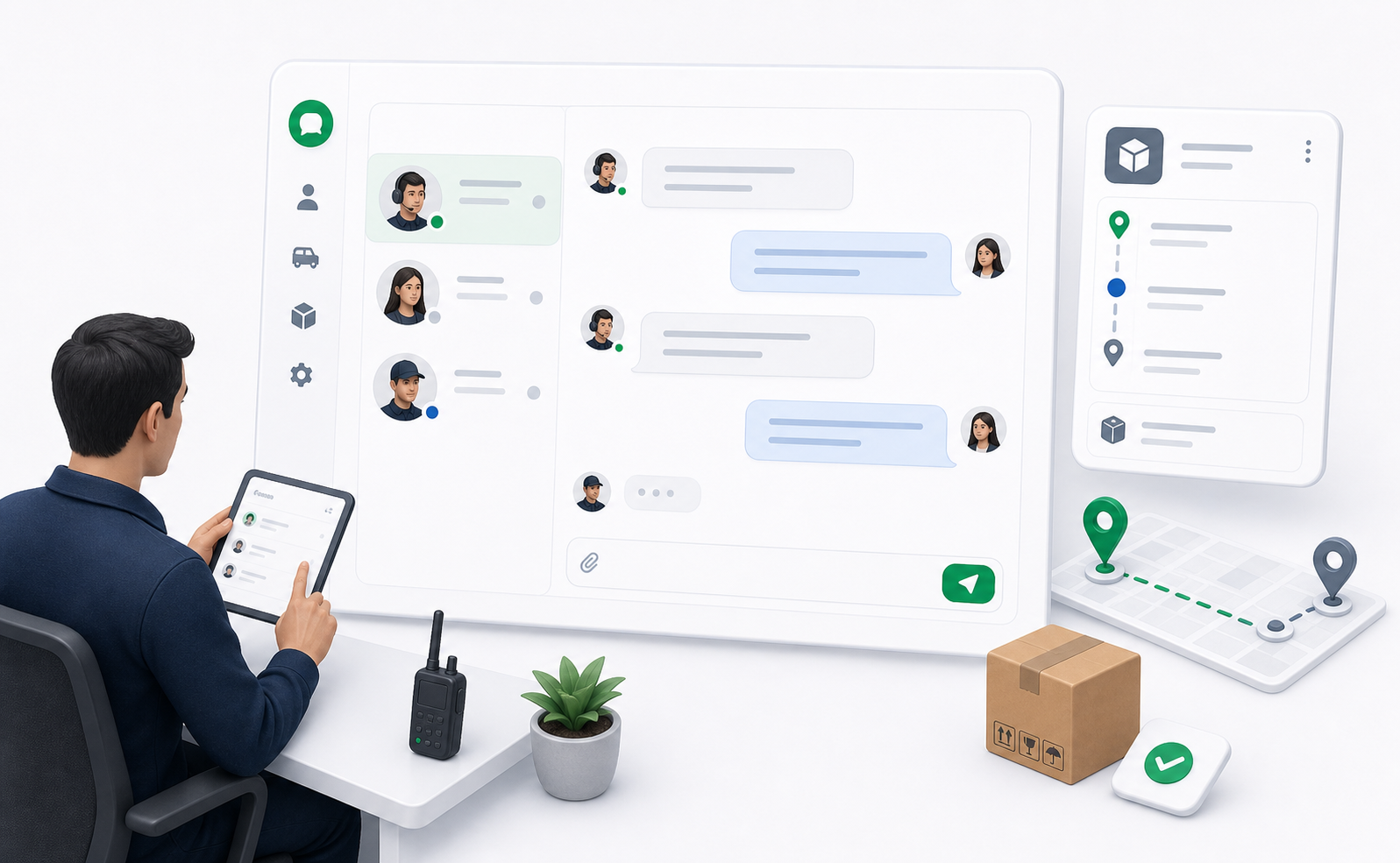
The dispatcher chat panel keeps operational conversations close to the work being discussed. Dispatchers can use chat for customer updates, driver coordination, support ticket messages, and internal follow-up.
Open chat from the sidebar, order details, driver details, or a support ticket context.
Conversation List
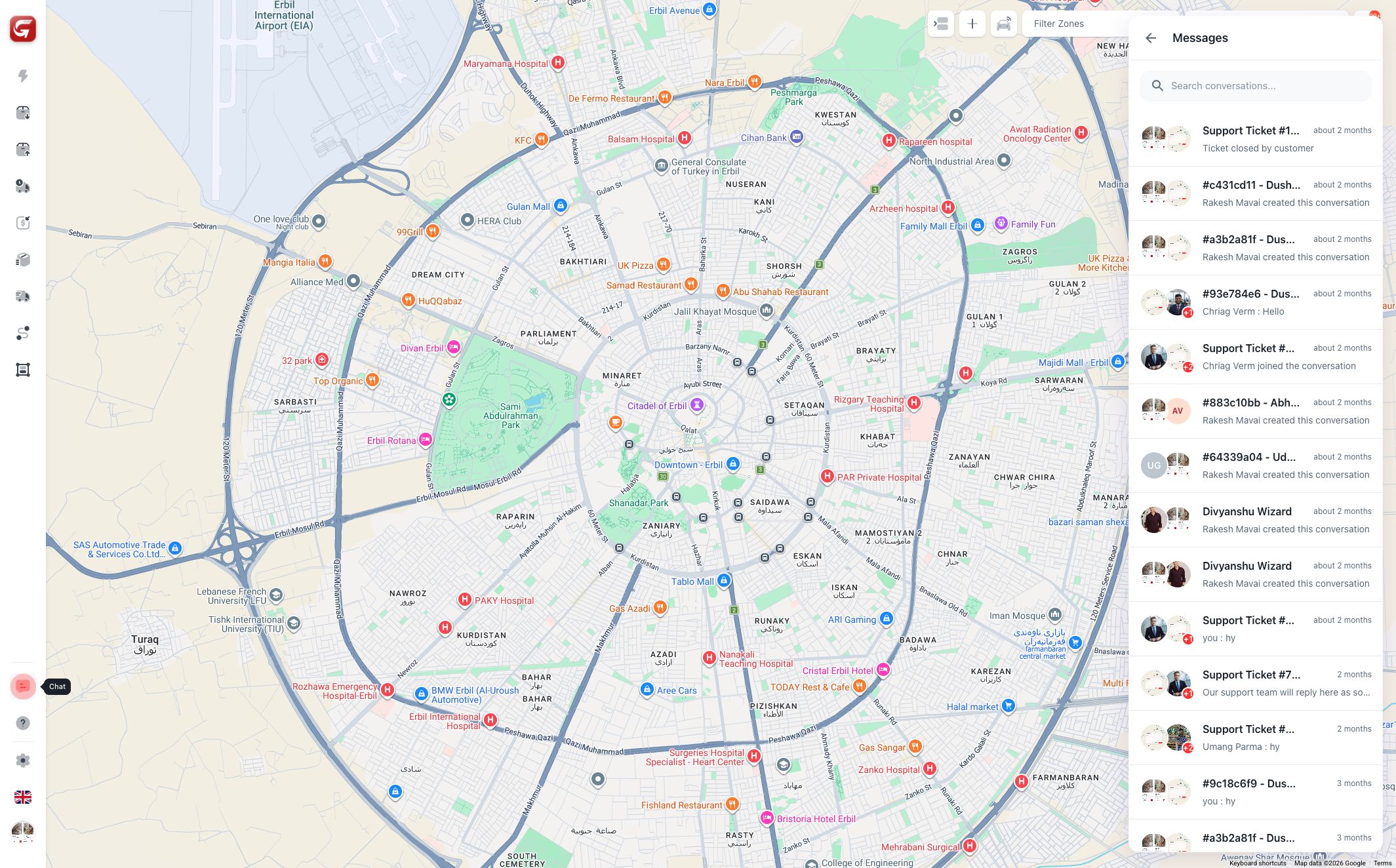
The conversation list includes:
- Search.
- Conversation title.
- Participant avatars.
- Last message preview.
- Timestamp.
- Unread indicators.
Use search when a conversation list is long or when you know the customer, driver, ticket, or order reference.
Order-Linked Conversations
Order details include a chat icon. When opened from order details, the conversation is tied to that delivery context so users can find it later from the related order.
Use order-linked chat for:
- Pickup coordination.
- Delivery address clarification.
- Customer update requests.
- Driver issue handling.
- Proof or package questions.
Start customer conversations from order details whenever possible. This keeps the chat connected to the correct delivery record.
Conversation View
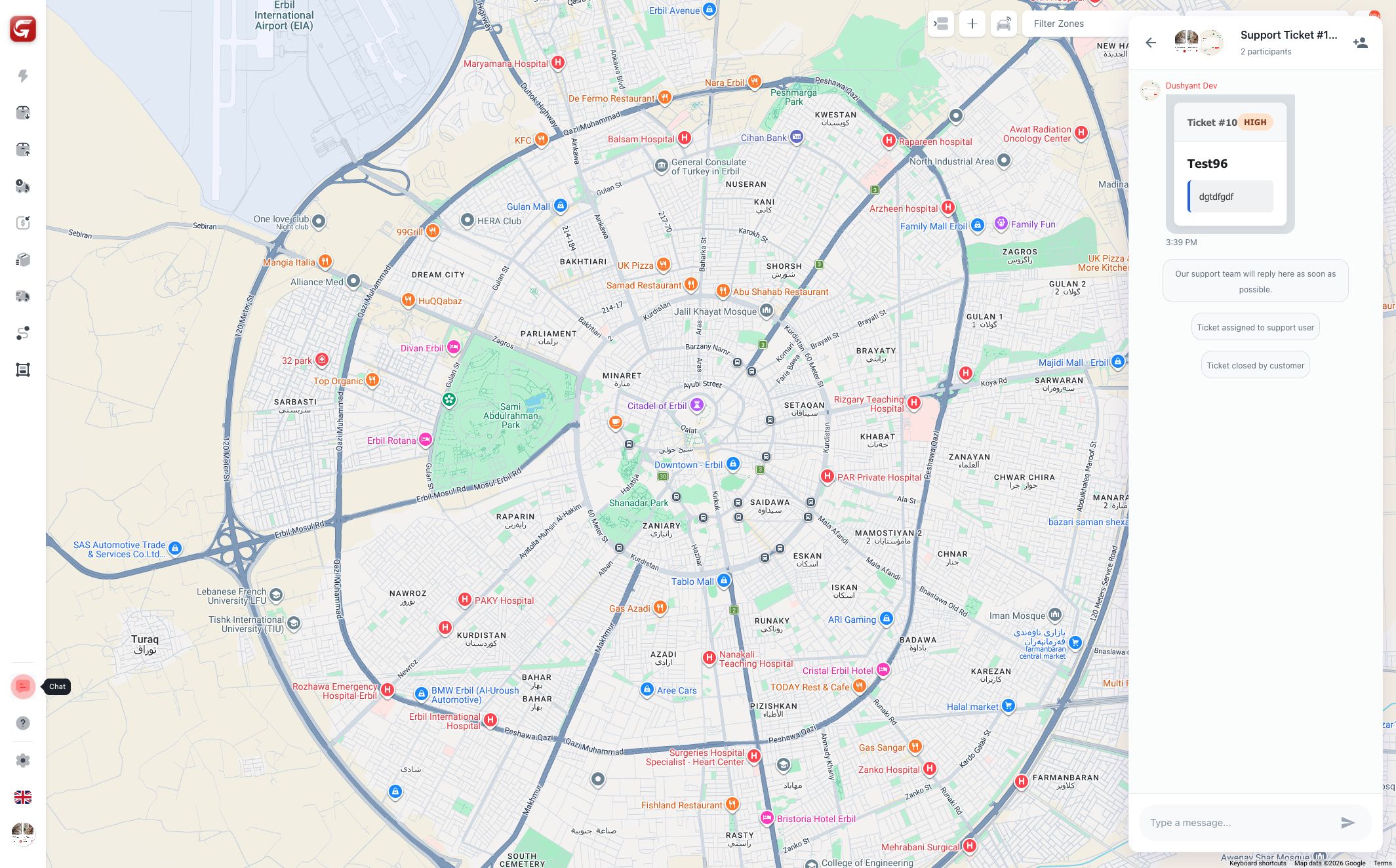
The conversation view shows:
- Conversation header.
- Participants count.
- Message history.
- System messages.
- Message input.
- Send action.
- Add participant action.
Messages are visible to all participants in that conversation. Do not include information that should not be shared with every participant.
Add Participants
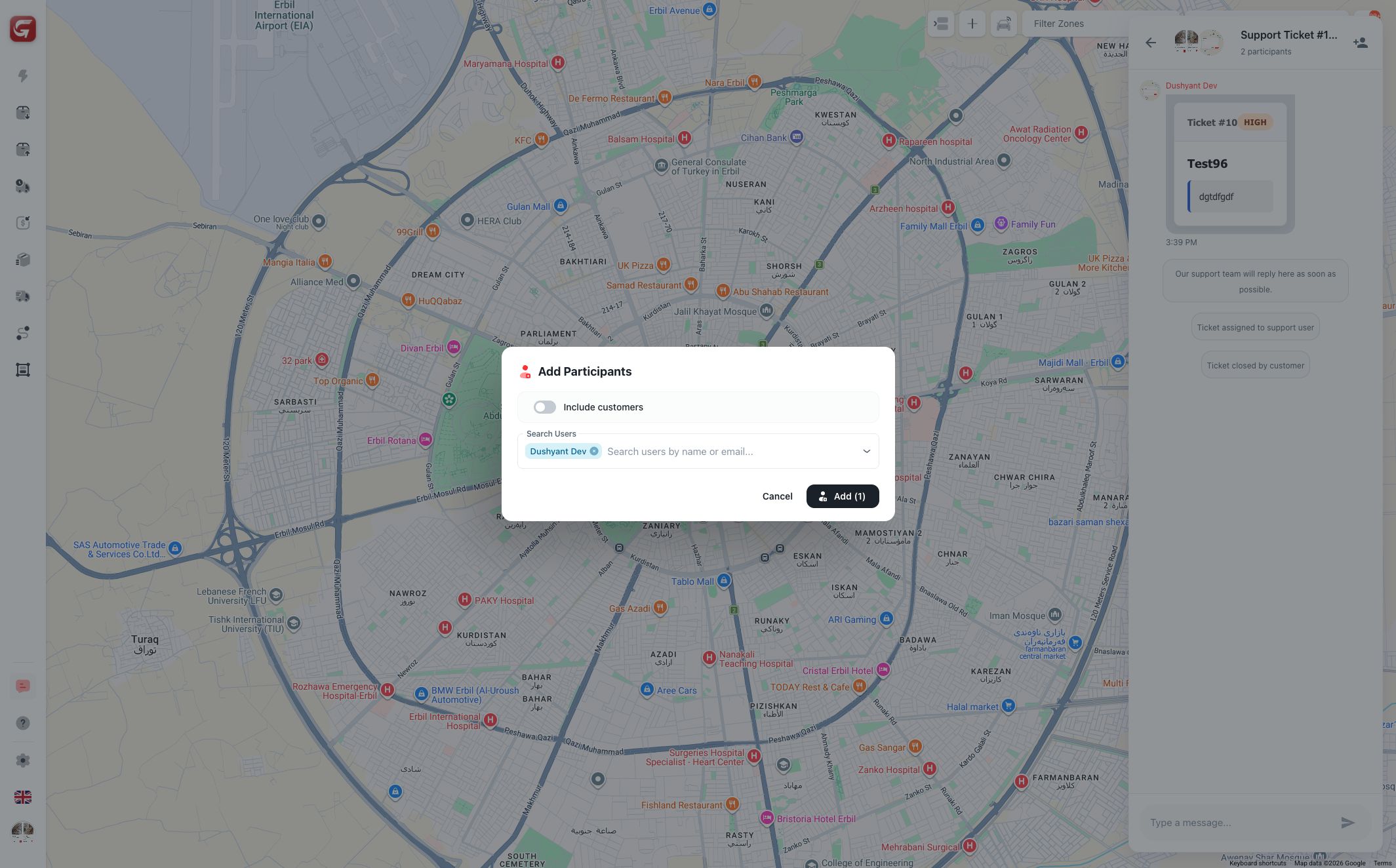
Dispatchers can add participants to a conversation.
The modal supports:
- Searching users.
- Including customers when the toggle is enabled.
- Selecting multiple users.
- Reviewing selected participants before adding.
Use this when a driver, support user, customer, or team member needs to join the same operational conversation.
Adding a participant gives them access to the conversation. Add only users who need the context.
Driver Chat
Driver details include chat access. Use driver chat for direct coordination, especially when the topic is driver availability, route execution, or current assignments.
If the message is about a specific customer order, prefer order-linked chat.
Support Ticket Chat
Support tickets use the same communication pattern. Ticket conversations can include customers, support users, and internal participants.
Closed tickets may prevent new messages. When a ticket is closed, the message input shows that no further messages can be sent.