Waybill Lifecycle and Returns
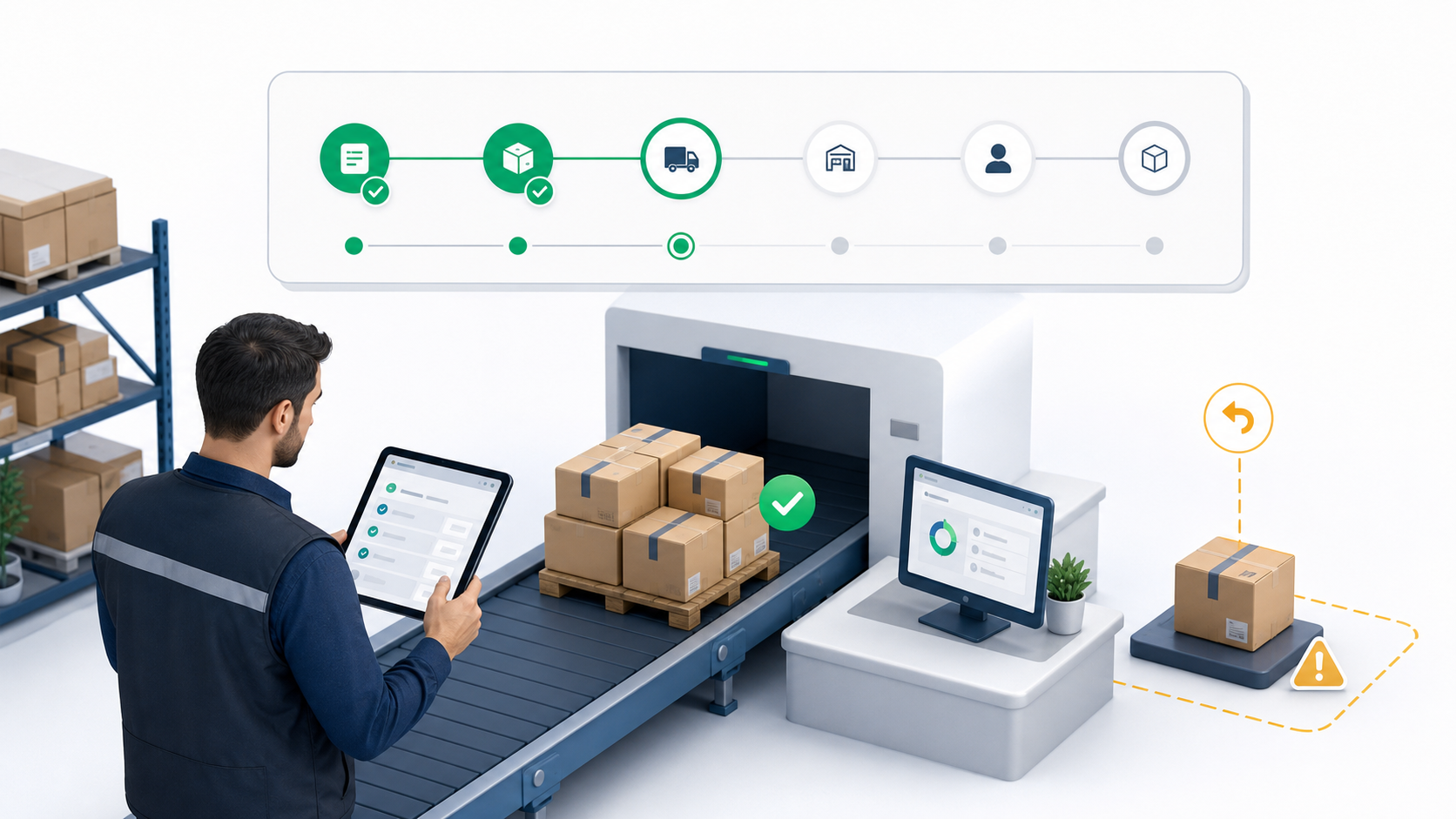
Work From the Detail Page
The waybill detail page is the safest place to continue a waybill after it has been created. It shows the current status, carrier, origin, destination, driver or external carrier context, timeline, proof of delivery, included deliveries, and return history.
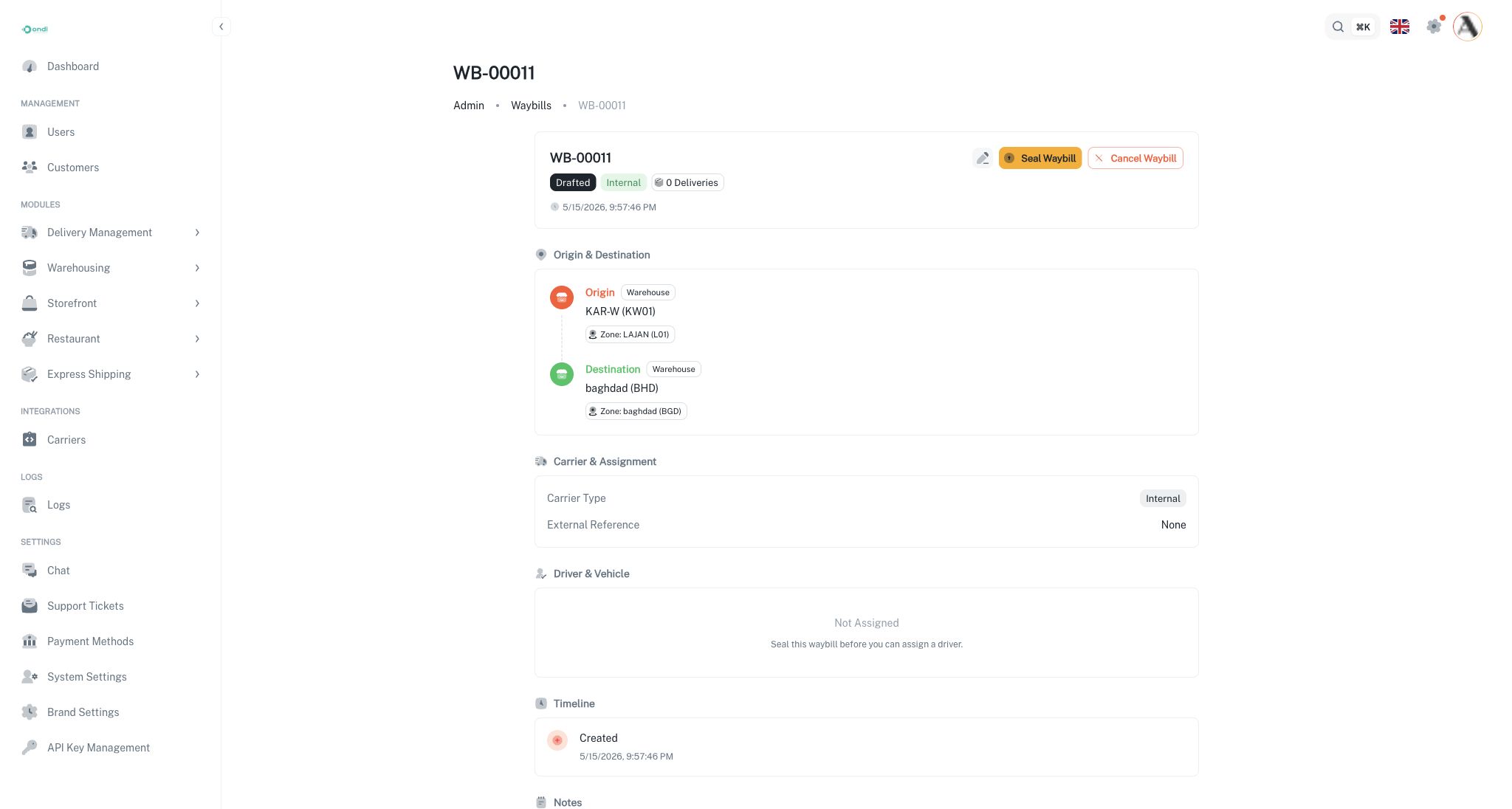
Internal Carrier Flow
Use the internal flow when the tenant fleet moves the batch.
- Create the waybill and add deliveries.
- Seal the waybill.
- Assign a driver.
- The driver progresses the waybill through pickup and in-transit actions.
- Receive the waybill at the destination.
- Close the waybill after the receiving result is confirmed.
Operations users can switch the driver or unassign the driver while the waybill is still in a driver-manageable state. Driver changes update the operational assignment so the current driver receives the correct work.
Prime and External Carrier Flow
Use the prime or external flow when the batch is moved outside the tenant fleet or through a partner carrier.
- Create the waybill and add deliveries.
- Seal the waybill.
- Dispatch the waybill when the carrier takes responsibility.
- Receive the waybill when it reaches the destination.
- Close the waybill after final checks.
Because a tenant driver is not executing the movement, dispatch and receive actions are performed manually from the portal.
Receiving and Closing
Receiving records that the destination has accepted the waybill. When the destination is a warehouse, received deliveries can be staged at that warehouse so the next operation can start from the correct location.
Closing is the final administrative step. Close only after confirming the physical handoff, delivery statuses, and any return exceptions. Closed waybills should be treated as historical records.
Cancellation
Cancel a waybill only when the batch should no longer move under that manifest. Cancellation is available before the waybill has been received or closed. If the batch already moved, use receiving and return actions instead of cancellation so the audit trail reflects what happened.
Partial Returns
Partial returns handle deliveries that cannot continue inside the waybill movement. They are operational returns inside the waybill lifecycle, not customer return requests after a completed delivery.
Use partial returns when:
- A package is refused or rejected at the destination.
- The address is wrong or undeliverable.
- A package is damaged, lost, or fails quality control.
- A dispatcher, driver, or receiver needs to remove specific child deliveries from the active batch.
When child deliveries are returned, the waybill can continue with the remaining active deliveries. Returned items are recorded with reason codes and notes. If the origin is a warehouse, the returned items can be routed back into warehouse receiving.
Return Reason Codes
Supported reason codes include refused, wrong address, damaged, lost, undeliverable, cancelled by customer, quality-control failure, rejected at destination, and other.
Detail Page Checklist
Before taking a lifecycle action, confirm:
- The status matches the physical movement.
- The carrier type is correct.
- The assigned driver or external reference is correct.
- The delivery count matches the packages being moved.
- Any exception or return has been recorded before closure.
Waybills preserve chain of custody. Use the lifecycle actions instead of changing included deliveries directly after the waybill has been sealed.