Route Sessions and Orders
Open the Route Detail View
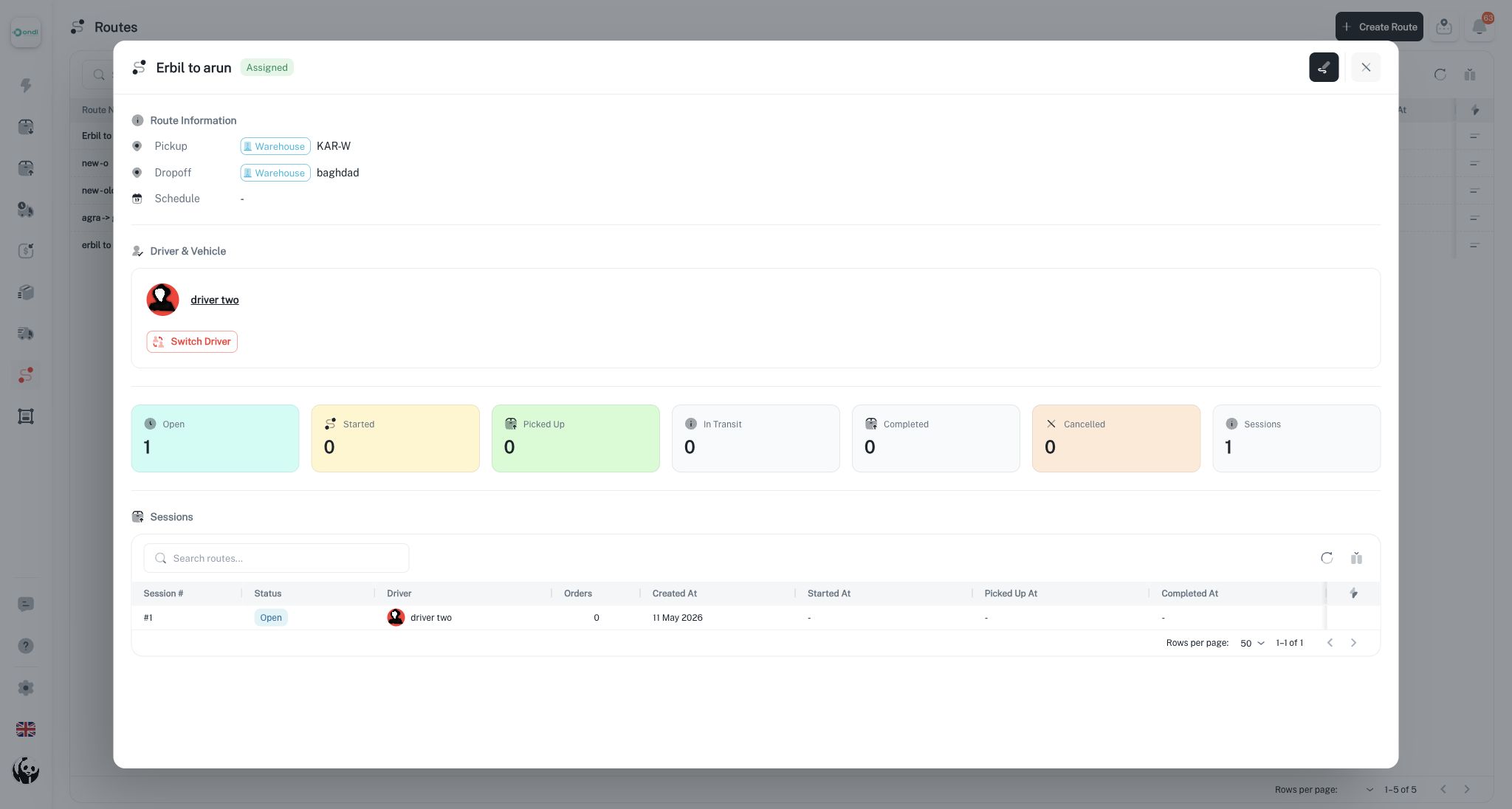
From Dispatcher -> Delivery Routes, open a route to review its detail view. The detail view shows route information, driver assignment, sessions, status cards, assigned orders, and available session actions.
Add Orders to a Route
A route must be assigned before deliveries can be added. When dispatchers add eligible deliveries, the system creates or reuses an open route session for that route.
Eligible deliveries must:
- Belong to the same tenant.
- Be internal carrier deliveries.
- Be pending and ready for route assignment.
- Not be locked inside an active waybill.
- Fit within route and session capacity rules.
After assignment, the delivery receives route and route session references and moves into the assigned operational state.
Remove Orders
Orders can be removed from open or started sessions. Removing an order clears the route references and returns the delivery to a pending state so it can be planned elsewhere.
Do not remove orders after pickup or in-transit execution has started. At that point, use the proper delivery, exception, or cancellation workflow so the audit trail matches the physical work.
Session Lifecycle
Route sessions move through these states:
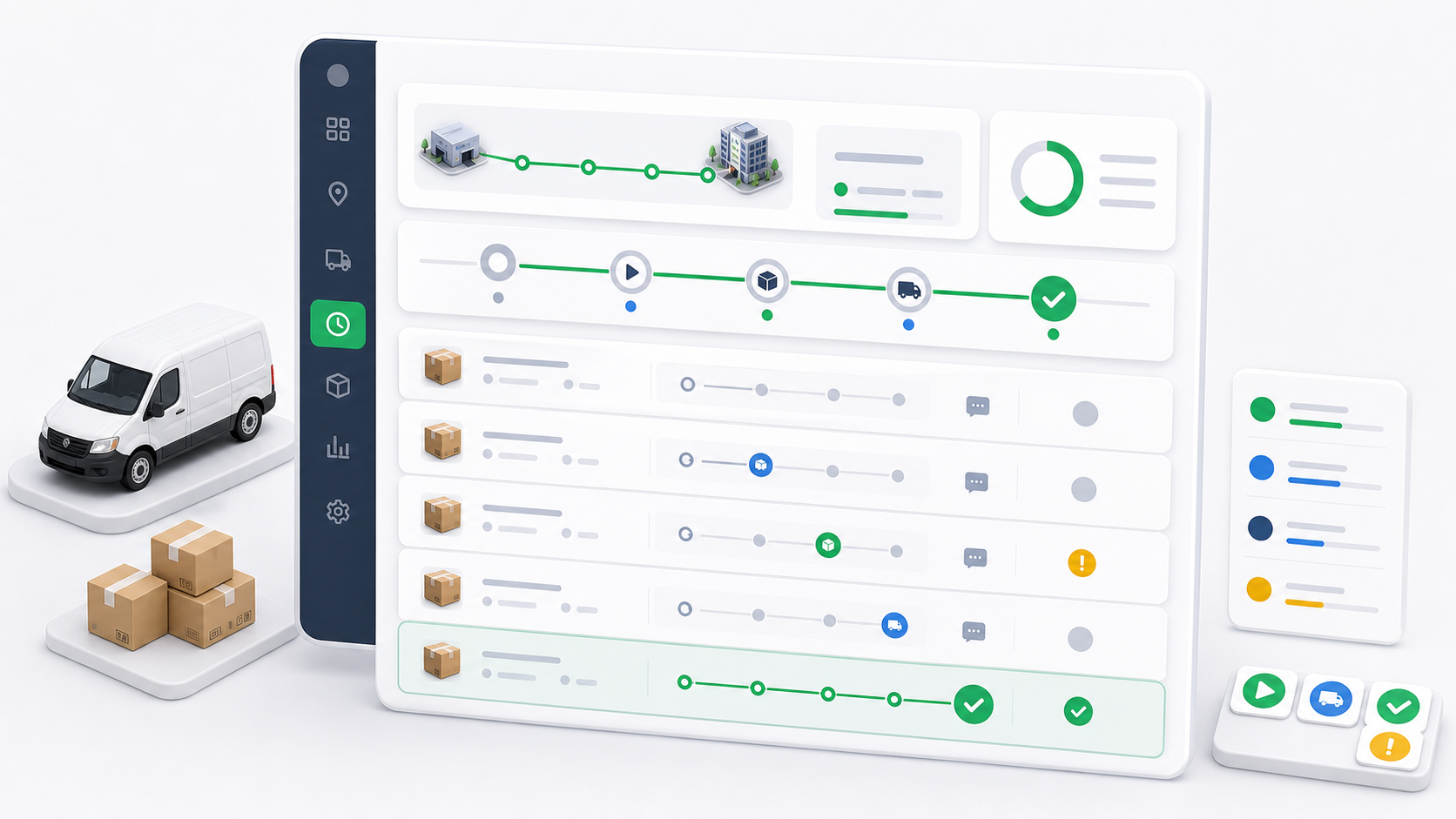
- Open: Orders can be added or removed.
- Started: The driver/session work has started and limited adjustment is still possible.
- Picked up: The assigned orders have been picked up.
- In transit: The assigned orders are moving toward completion.
- Completed: The session orders have reached completion.
- Cancelled: The session was cancelled before pickup or in-transit execution.
Starting a session updates assignments toward pickup. Pickup and in-transit actions update the included deliveries. Completion marks the session and included work as completed when the operational requirements are satisfied.
Cancel a Session
Cancel a session only while it is still open or started. Cancellation resets eligible included deliveries back to pending and prevents the session from continuing.
Completed, picked-up, and in-transit sessions should not be cancelled from the normal route session action because the driver already performed physical work.
Dispatcher Review Checklist
Before assigning orders to a route, confirm:
- The route has the correct origin and destination.
- The route has the correct assigned driver.
- The deliveries are actually intended for that lane.
- No delivery should be moved by waybill instead.
- The open session is the correct execution instance.
Routes keep reusable lane setup separate from live execution. The route is the template; the route session is the operational run.