
Pickup & Delivery Order

What is a Pickup & Delivery Order?

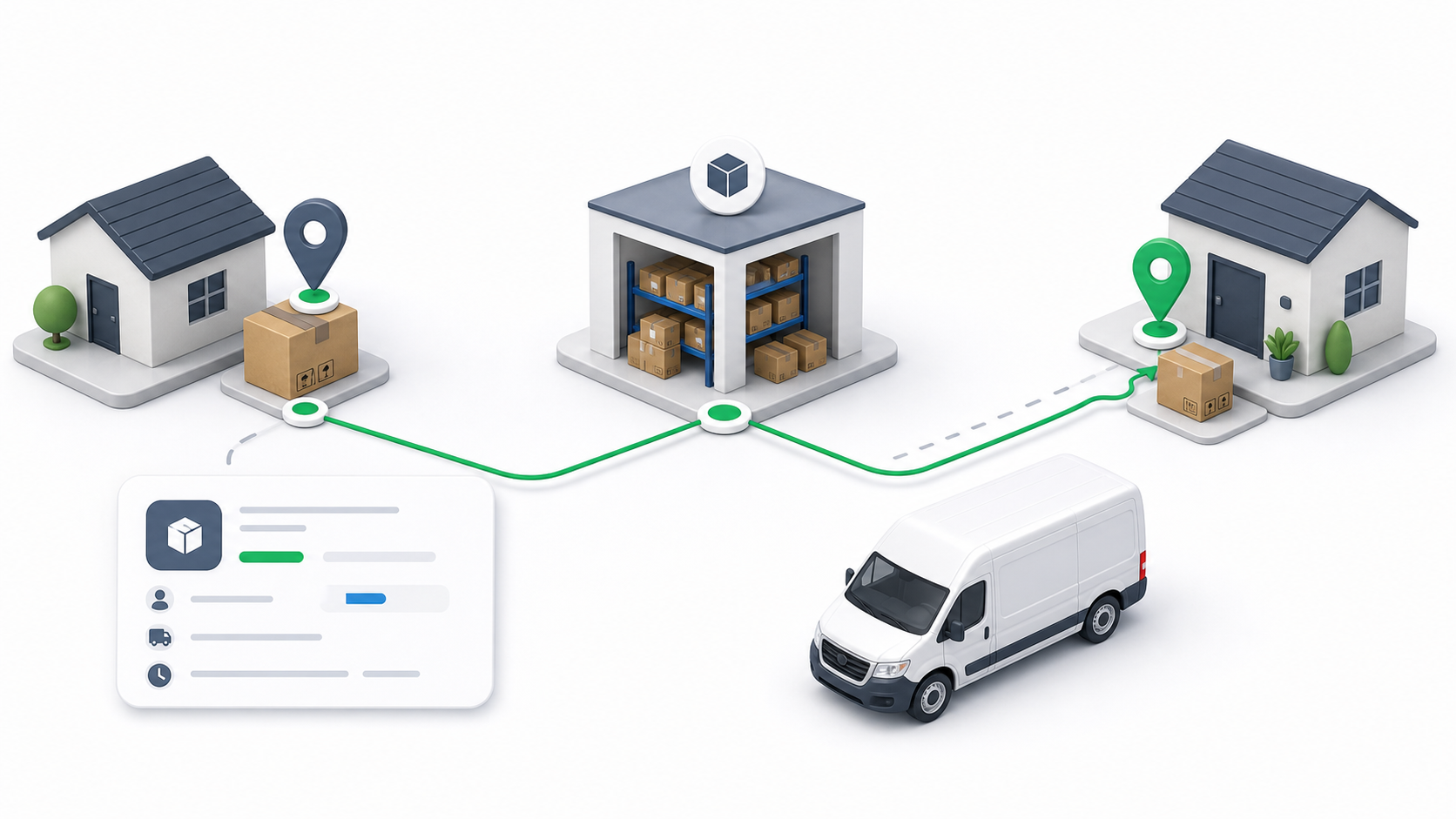
A Pickup & Delivery Order is a combined shipment request that involves collecting a package from one location and delivering it to another location. These orders enable dispatchers to coordinate complete end-to-end shipment operations, from initial pickup at the origin to final delivery at the destination, all within a single order workflow.

Create a Pickup & Delivery Order

Creating a Pickup & Delivery Order requires the following fields:

Required Fields

  • Customer Name: Identifies the customer account associated with the shipment. Links the order to customer records for billing and tracking purposes.

  • Pickup Location: The address where the package will be collected. Must be a valid and complete address to ensure accurate driver routing to the origin location.

  • Delivery Location: The address where the package will be delivered. Must be a valid and complete address, distinct from the pickup location, to ensure accurate driver routing to the destination.

  • Service Type: Classification of the service request that determines service requirements, pricing, and operational procedures for both pickup and delivery operations.

  • Paper Type: Documentation classification associated with the shipment for compliance and record-keeping purposes.

  • Payment Method: Transaction processing method (Prepaid, Cash on Delivery, Wallet, or Credit Account). Determines billing, settlement, and driver cash collection responsibilities.

  • Unit Size: Package characteristics including quantity, weight, or volume. Affects pricing calculations, vehicle capacity matching, and service eligibility.

Driver Assignment

Driver assignment is optional during order creation. Pickup & Delivery orders can be created first and assigned to a driver later when driver availability, workload, or route optimization opportunities are better assessed. This flexibility enables efficient management of combined pickup and delivery requests while maintaining operational control.

Post-Creation Management

After a Pickup & Delivery Order is created, dispatchers can access the following:

Shipment Label

View and print shipment labels containing tracking information, pickup and delivery codes, and customer details required for package identification and routing throughout the shipment lifecycle.

Payment Information

Access payment details including payment method, transaction amount, billing status, and settlement information for payment verification and financial record management.

Pickup & Delivery Timeline

Review shipment milestones including order creation time, scheduled pickup time, actual pickup completion, scheduled delivery time, and actual delivery completion status. The timeline provides visibility into the complete shipment progress from origin to destination and helps identify potential delays at any stage.

Driver Assignment

Assign a driver to the order at any time after creation. This enables dispatchers to review order details, assess driver availability, and make optimal assignment decisions based on current operational conditions. Driver assignment can be completed at any time before the pickup begins.

note

Complete all required fields accurately when creating Pickup & Delivery Orders to ensure proper dispatch and tracking. Verify both pickup and delivery addresses before submission to prevent routing errors.
tip

Leverage optional driver assignment to optimize dispatch decisions. Review driver availability and workload before assigning to ensure efficient resource utilization for the complete pickup and delivery workflow.

info

Monitor Pickup & Delivery Orders after creation to ensure timely driver assignment and completion of both pickup and delivery stages. Use the timeline to track progress and identify issues early in the shipment process.

Ask Ondi AI